Master Your Metadata: The Ultimate Guide to Tagging in Helium
Every digital music collector knows that a library is only as good as its metadata. When your tags are accurate, browsing and creating playlists is a joy. But getting your files perfectly tagged can feel like a full-time job if you are using the wrong software.
Unlike standard media players that force you into a single, rigid way of editing tags, Helium is built around flexibility. Whether you want to automate the entire process, edit on the fly, or build a custom workspace for granular control, Helium provides a suite of powerful tagging tools designed for massive collections.
Here is how you can use Helium to master your metadata.
1. Automate with the Tag Editor and Online Databases
If you are dealing with poorly labeled files or full albums missing crucial information, the standard Tag Editor is your best starting point.
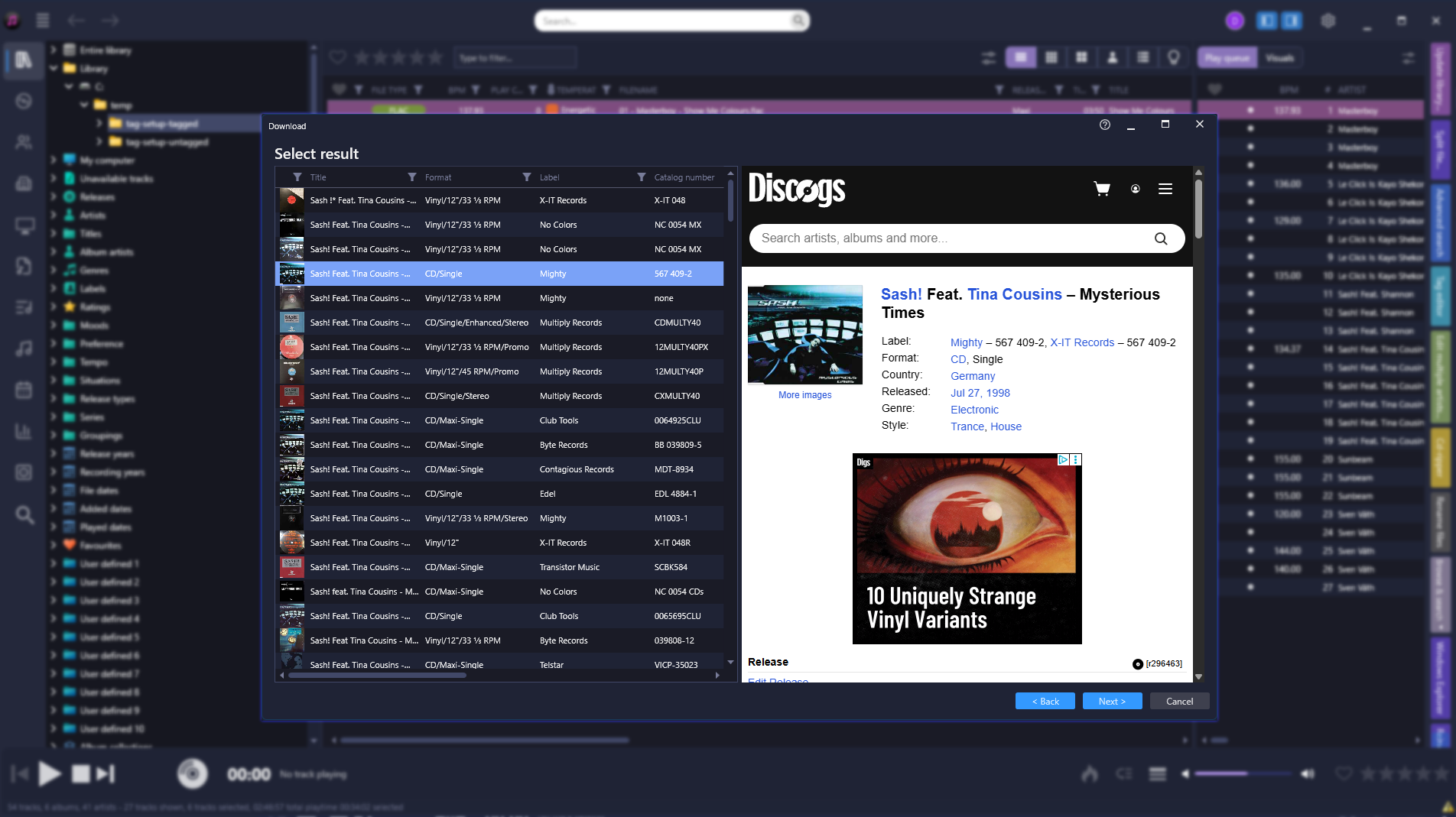
Instead of working file by file, Helium allows for incredibly powerful batch tagging. You can load and work with multiple albums simultaneously. To avoid manual data entry and ensure perfect consistency, you can use the integrated Download function. Helium connects to comprehensive online databases like Discogs, pulling down complete, accurate album and track information in seconds.
2. Total Control: The Advanced Tag Editor
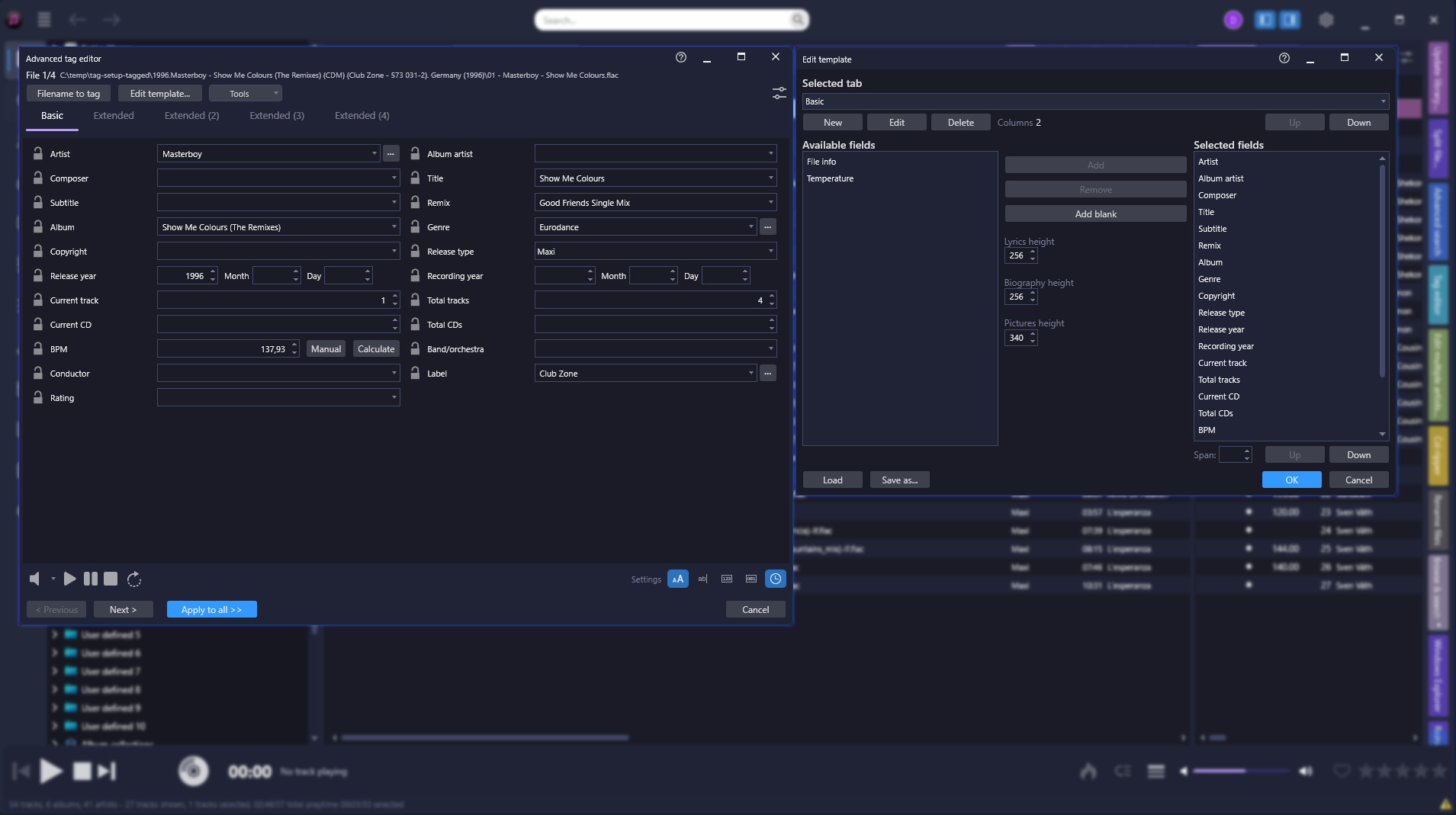
For the ultimate power user, Helium offers the Advanced Tag Editor. This tool gives you complete control over every single metadata field available for a track.
What makes it truly unique is its customizability. You don't have to adapt to our interface - you can adapt the interface to your workflow. Helium allows you to design your own custom tabs, rearrange the order of fields, and adjust the span of controls to create a tagging workspace that perfectly fits your specific needs.
3. Maintain Your Flow: In-Place and Quick Editing
Sometimes you don't need a full editor; you just want to fix a typo you spotted while browsing. Helium makes this frictionless with In-Place Tagging. Just like renaming a file in Windows Explorer, you can click directly on a field within the track view and correct it instantly.
For slightly more detailed tweaks without losing your place, the Quick Tag Editor is seamlessly embedded directly into the interface, allowing you to update core information on the fly while listening to your library.
4. Reverse Engineering: Filename to Tag
What if your files have absolutely no tags, but the actual filenames contain all the information (e.g. "1997 - Daft Punk - Around The World.flac")?
Helium features a highly powerful Filename to Tag tool. Accessible from multiple places within the software, this tool allows you to set a pattern that reads the filename and automatically translates it into perfect, structured metadata in your database.
Stop fighting your files.
Take full control of your library's data with tools built for serious collectors.